
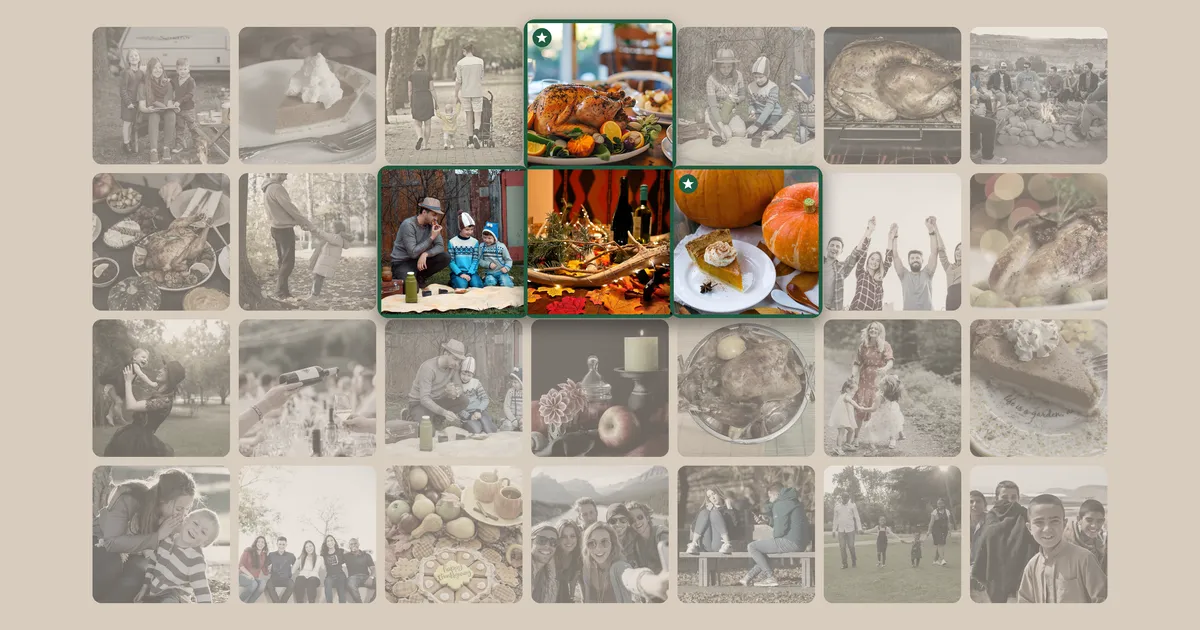
From 100 Turkey Shots to the 10 Everyone Wants
While you wait between Black Friday and Cyber Monday deals, point Piqt's Lens at the long weekend, group the similar shots, let the ranking surface the keepers, and share the ones worth sending.
Thanksgiving has always been my favorite holiday, because it’s a day focused on food, friends, and relaxing. The days before and after are just as much of an event, maybe with family or friends coming into town, seeing friends who have been away at college or moved away, and of course the Super Bowl of shopping days. There are so many photo ops that you could roll into December with hundreds of pictures from the long weekend. The good ones are in there. So is the shot of the pie where your cousin blinked, and the same group photo nine times. This time, you don’t have to worry about weeding through them. Piqt’s got you.
Here is how I take a week of action and turn it into an album I want to revisit often.
1. Open the Lens and pick the weekend
The Lens filters the whole app to a trip or a stretch of time. Its chips are This week, Last week, This month, Last month, This year and Last year, and Pick dates… lets you set any range you like.
Tap Pick dates… and choose Tuesday through Sunday. From then on, everything in Piqt shows only those days. The dashboard counts, the grids and every workflow you open are limited to the long weekend, so you aren’t sifting through the rest of the year to find a table full of relatives.
If you went away for the holiday, Piqt may have already found the trip on its own and named it for where you went. You can pick it in the Lens instead of choosing dates.
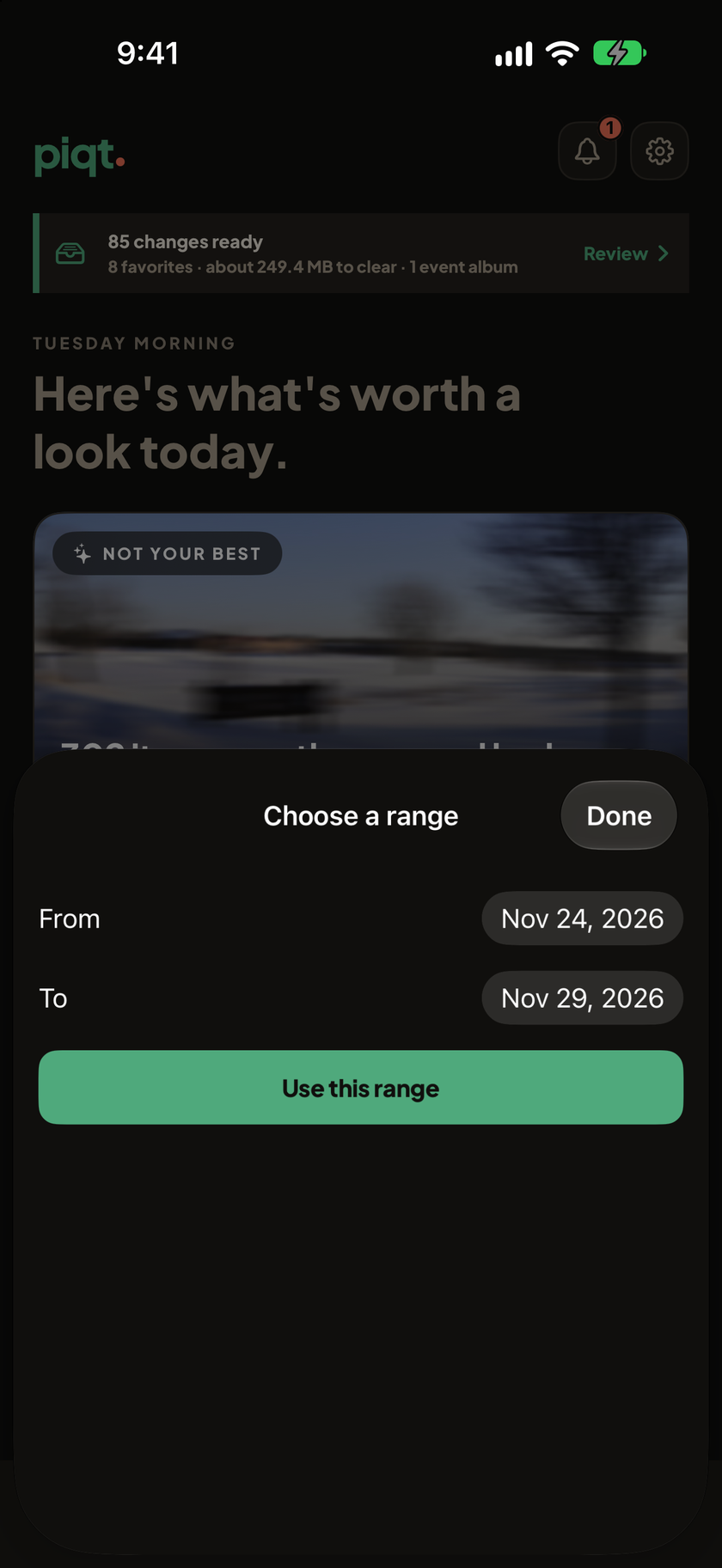
The Lens custom date picker
2. Run Dupes on the retakes
Holiday photos are full of retakes and multiple snaps of the same thing. You’ve got bursts of the kids playing with their friends, group photos that took eleven tries, and selfies from Friendsgiving. Open Dupes and Piqt groups them for you.
For each group it picks a keeper based on which image scores the highest. If you disagree, you can swap in a different one or keep multiple, and shots you already favorited are marked so you don’t set aside a picture you meant to keep. Piqt looks at sharpness, exposure, faces and how rare the moment is, and it shows you why a shot scored the way it did. If you would weigh things differently, you can adjust the score.
3. Let the ranking surface the best
Dupes usually takes care of most of the cleanup, so now it’s time to look at the rest. Here’s where Piqt’s scoring will help you find the ones you want to favorite. The top of the list is usually the shots you would have picked yourself, plus a few you scrolled past. The aesthetic model behind the ranking was trained on 255,000 human-rated images, so it has a decent eye for the picture that looks good and not just the one that is technically sharp.
Open Favorite worthy and Piqt proposes favorites in batches. The first batch is free. Go through it, keep the ones you love and pass on the rest.
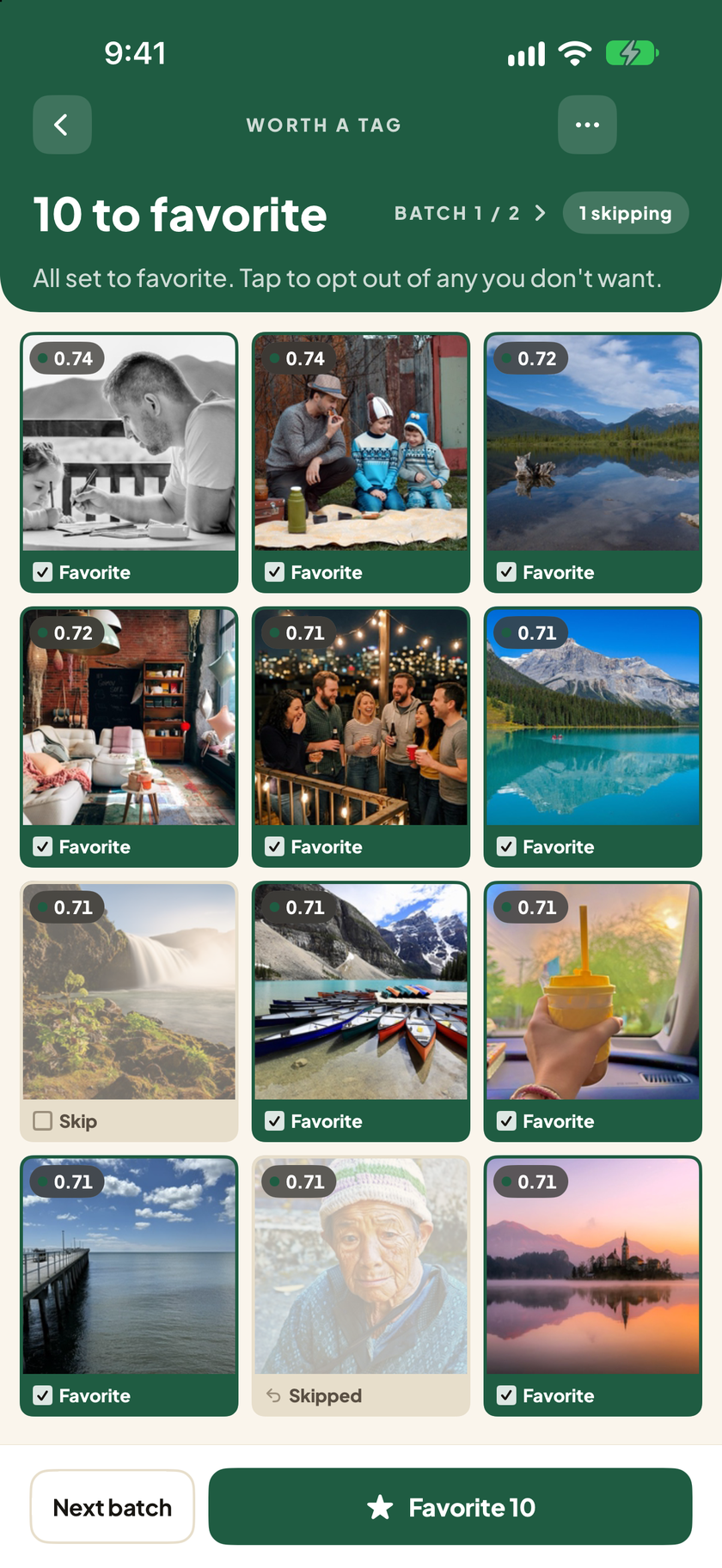
Tag a batch of favorites on one screen
4. Share the ten
Your favorites now live in Photos as favorites, which makes the last step easy. Open the Favorites album in Photos, filter to the weekend, and add the picks to a shared album or send them in a message. Your fam gets ten good pictures instead of a link to a hundred.
If you would like a ready-made starting point for the holiday, the Gatherings page on the App Store shows how this works for family get-togethers.
Do it again for the whole year
In late December the same trick works at a bigger scale. Choose the This year chip in the Lens and every workflow, Dupes and Big Videos included, looks at the full year. That makes it a good time to make a year’s best album: favorite the shots that earned it, and your library gets a little more worth revisiting.
What you need
An iPhone, iPad or Mac. Piqt scores every photo on your device. There is no account and nothing is uploaded, and iCloud sync between your devices is optional and end-to-end encrypted. Scanning and browsing are free.
Piqt never deletes a photo. Only you can. Cleared photos wait in an album you review, and every choice can be undone.